Two weeks with the new planner, and a lot of your feedback in one update. The biggest change: your Google Calendar is no longer just something you look at in the planner. You can open an event, join the meeting, move it, and turn it into a timesheet entry, all without leaving the page.
Your Google Calendar, now clickable
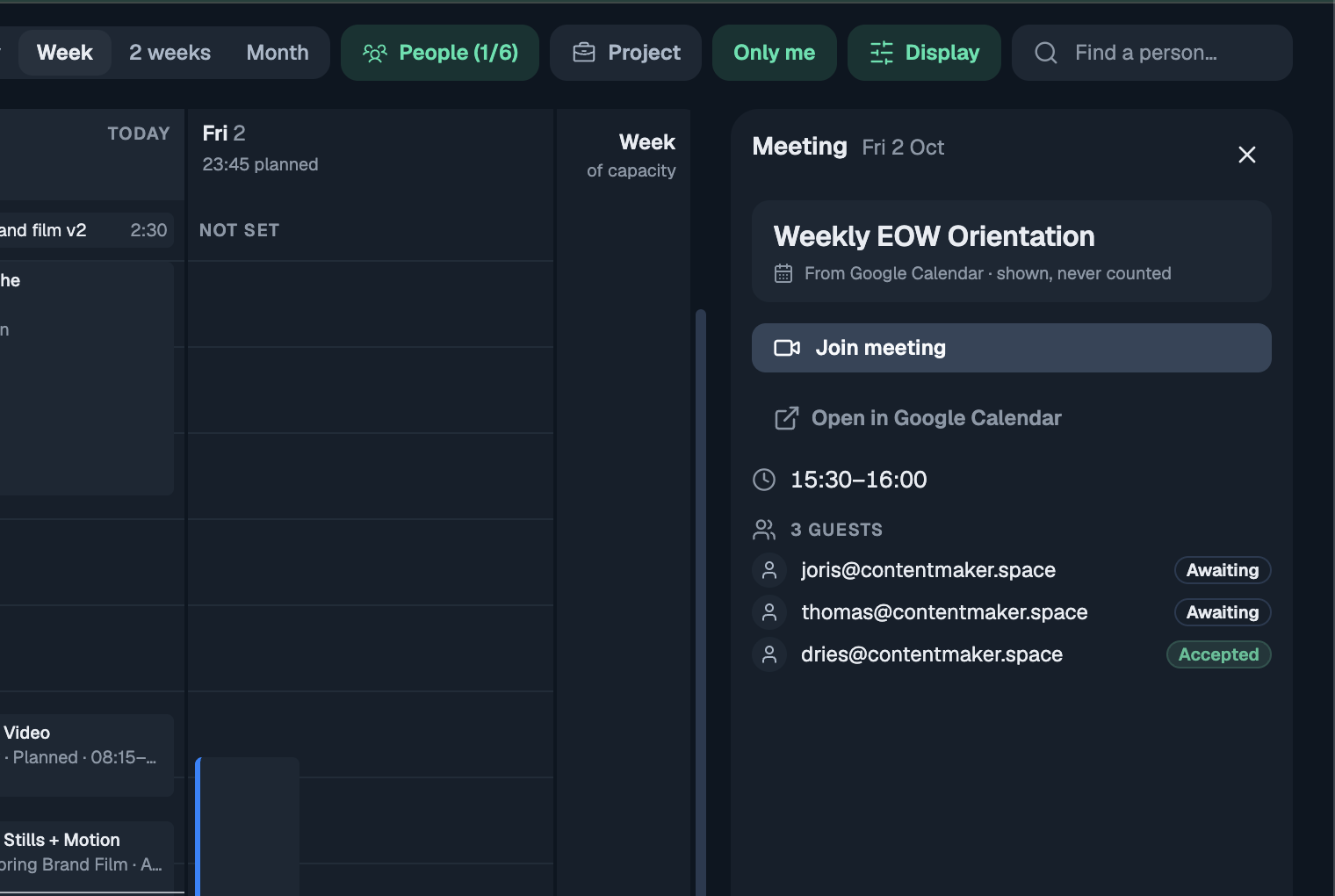
Click any Google event on the planner and it opens on the right. A meeting shows a Join button for the call, the guests and whether they're coming, and a link to open it in Google Calendar. A regular event just shows what it is and when.
Move your own events, and they move in Google too
Drag one of your own Google events to another time, pull its edge to make it longer, or change the start and end in its panel. The change is saved straight to Google Calendar, without emailing anyone, and every change can be undone. Meetings where you're a guest stay as they are, because only the organiser can move those.
Log your day to the timesheet in one go
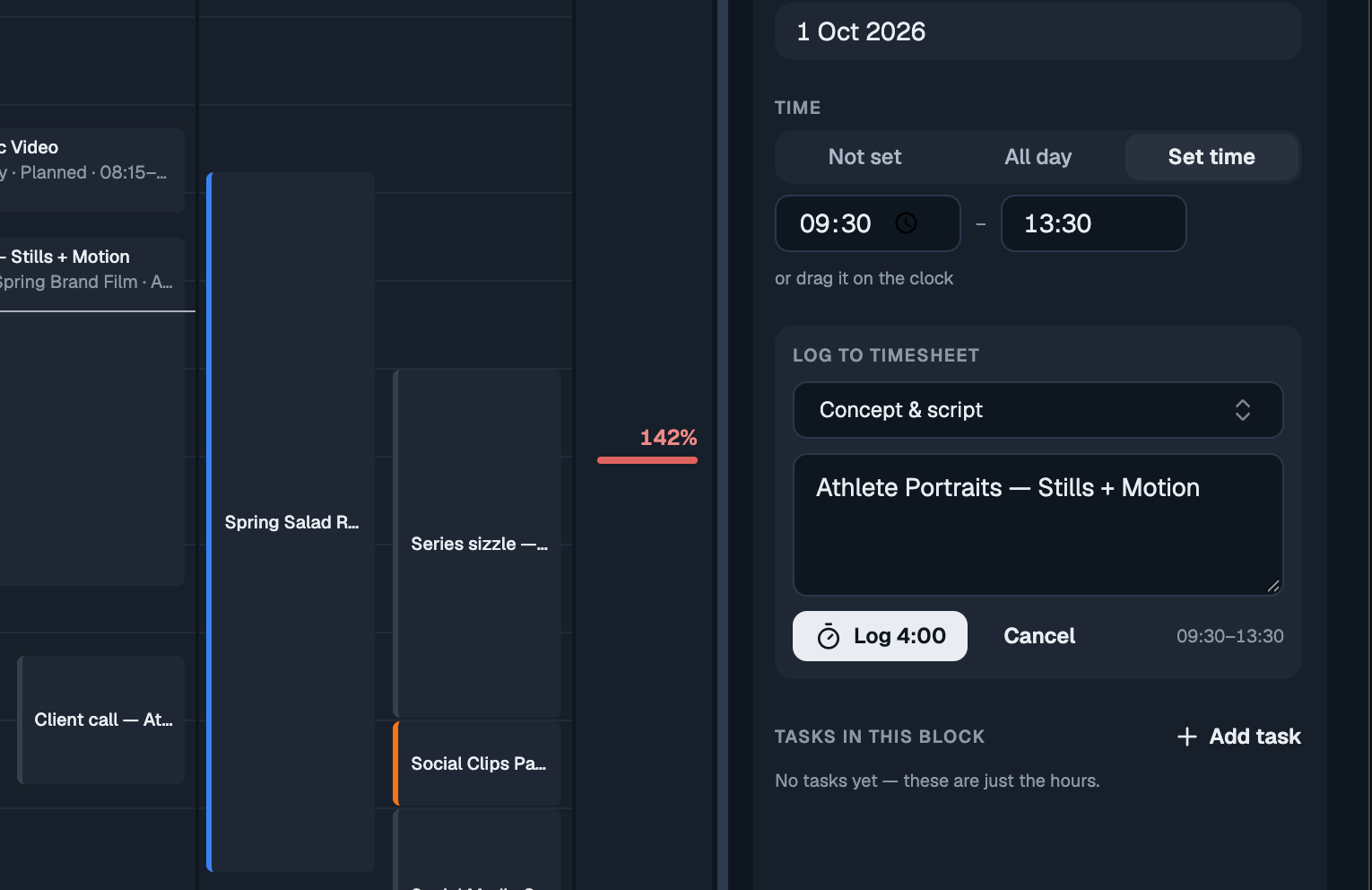
If your calendar already says what you worked on, you don't have to type it all again. Open a block or one of your Google events and choose Log to timesheet. The day, the time and the project come along; the task type is set to the one you used last time on that project, and the description is filled in for you. Check it, press Log, done. Once it's logged the panel says so, so the same hours never go in twice.
Plan a whole day when it's just you
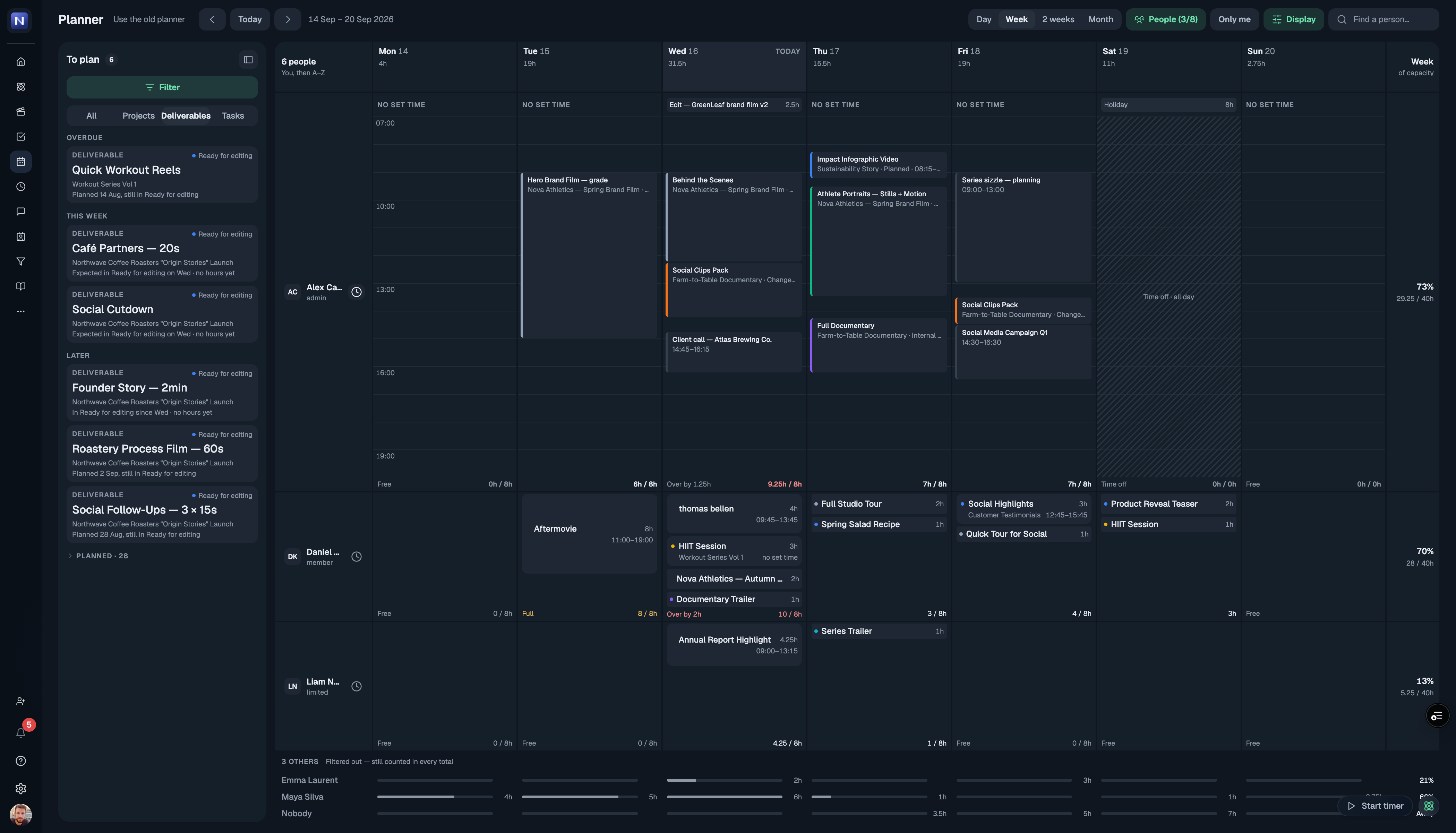
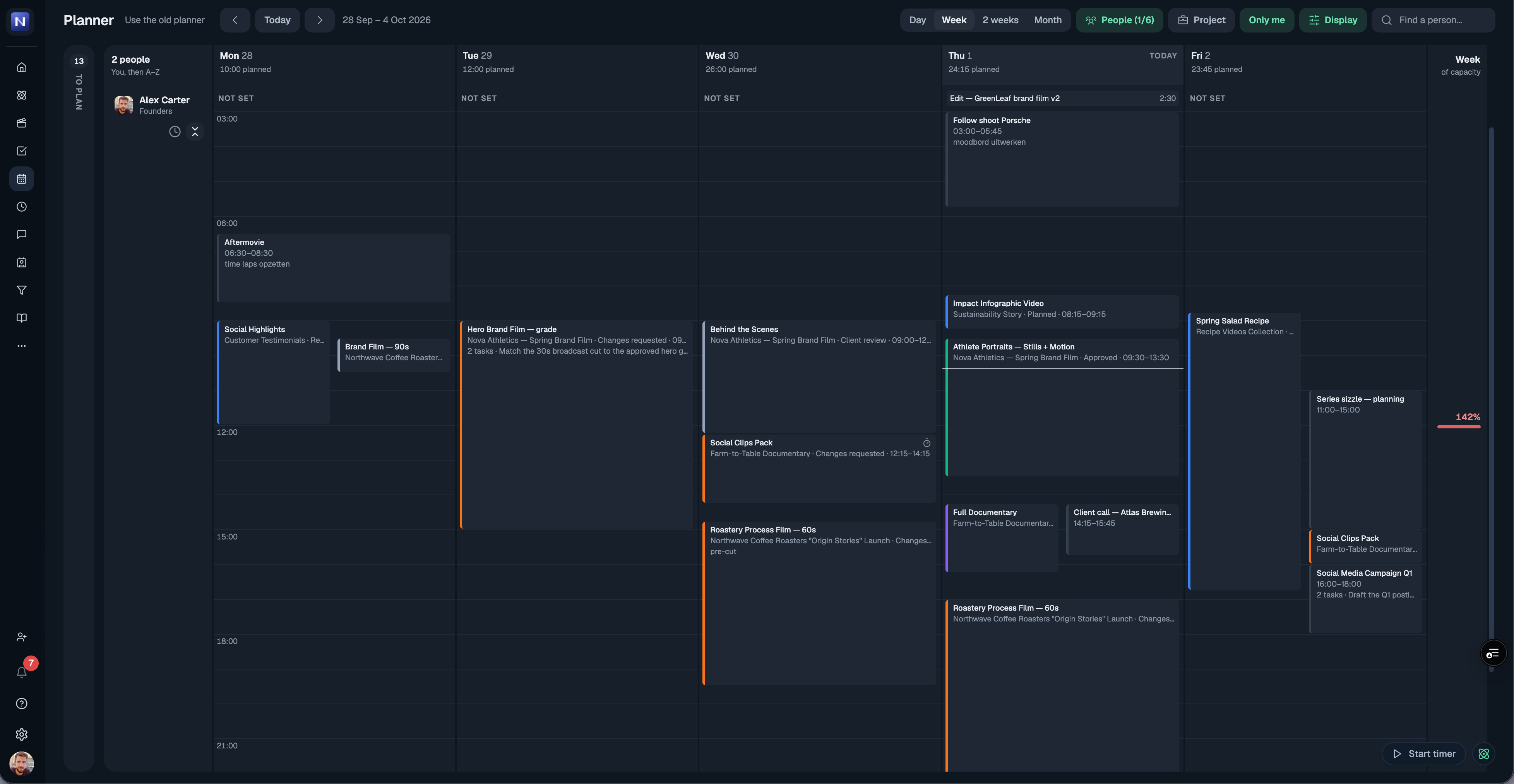
Only me now opens your week with the clock already showing, and when there's room it fills the page with the whole day. Scroll to any hour; your name and the all-day and no-set-time items stay pinned at the top while you do, the way Google Calendar does it.
Choose who shows up
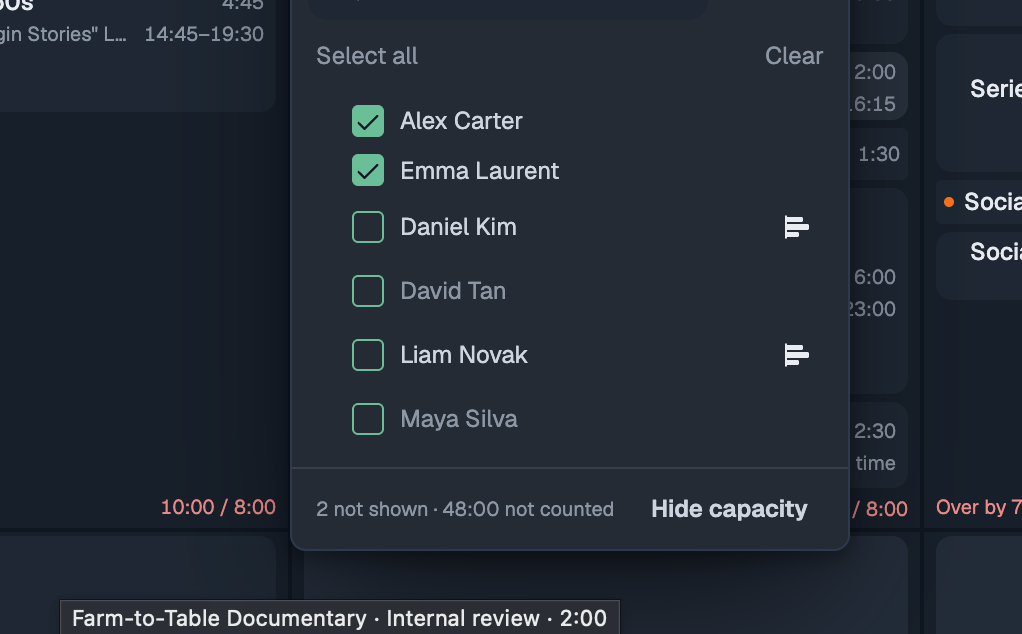
Untick someone in People and they're off the planner, out of the way. Want to keep an eye on how full their week is without their blocks? Turn on the new capacity icon next to their name and you get just one slim line for them at the bottom. Ticking a person or a whole group always brings them back, even if their capacity line was on. The search box now sits right above the list it searches.
Also new
Hours read as hours and minutes everywhere on the planner: 0:30, 1:15, 8:15 / 8:00. Type a length however you like (0:50, 45m, 1h 30m or 1.5) and it's saved exactly, not rounded to the quarter.
Hours and end time both have a dropdown now. Pick a length (including "rest of day"), or pick an end time and see how long the block becomes, like Google Calendar.
Blocks with a time always sit in time order, so changing one doesn't shuffle the day.
The Day view shows every item without a set time, and where space is tight a +2 now opens the rest instead of hiding them.
To plan cards show the client next to the project, and the status reads "Ready for editing since Wed". The toggle is now simply Projects · Deliverables · Tasks.
The clock next to a person's name opens their working hours; the new expand icon next to it opens their day as a timeline.
Under Display, choose how each day's total shows: as hours, as a bar, or hidden. The date row at the top stays put while you scroll.
The time options for a block are now Not set · All day · Set time.
Google events show once (some showed twice), all-day events sit with the other all-day items, and calendars you switched off no longer appear.
The To plan list shows placeholders while it loads instead of briefly looking empty.
Keep it coming
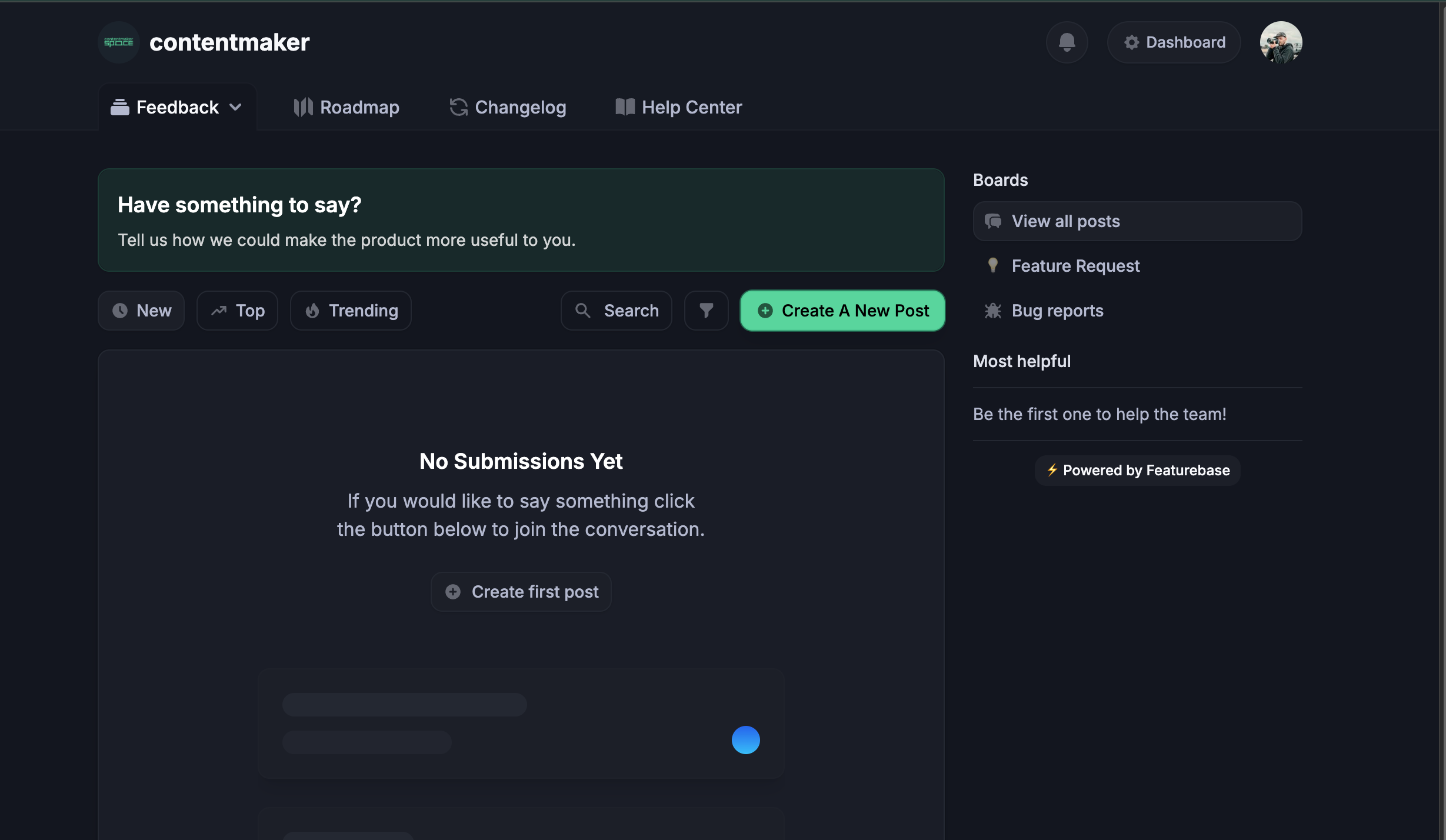
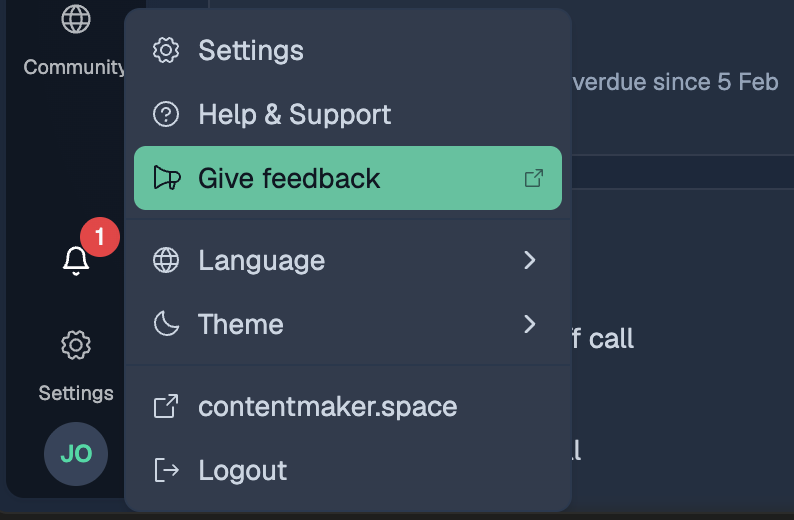
Almost everything above started as a message from one of you. Tell us what still gets in the way: message us on Google Chat, or use Give feedback in the ? menu. It goes straight to the people building the planner.